Brochure
Keep every visit inside your sales process
Check in App registers every person who walks in, assigns them to the right sales rep, and connects in-person service with Zoho CRM.


Check in App registers every person who walks in, assigns them to the right sales rep, and connects in-person service with Zoho CRM.
In stores, showrooms, and branches, part of the sales process begins when someone walks through the door.
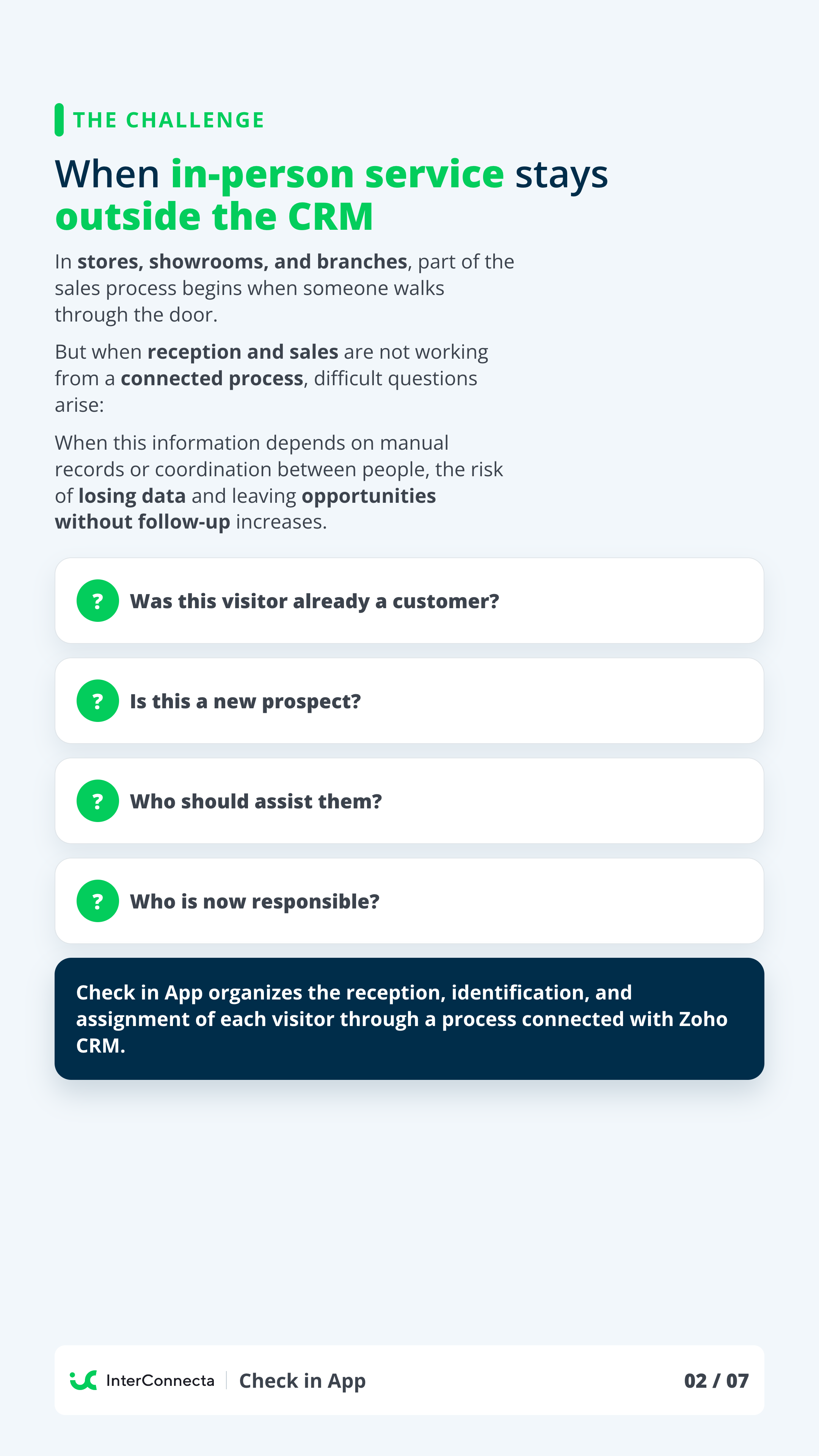
But when reception and sales are not working from a connected process, difficult questions arise:
When this information depends on manual records or coordination between people, the risk of losing data and leaving opportunities without follow-up increases.
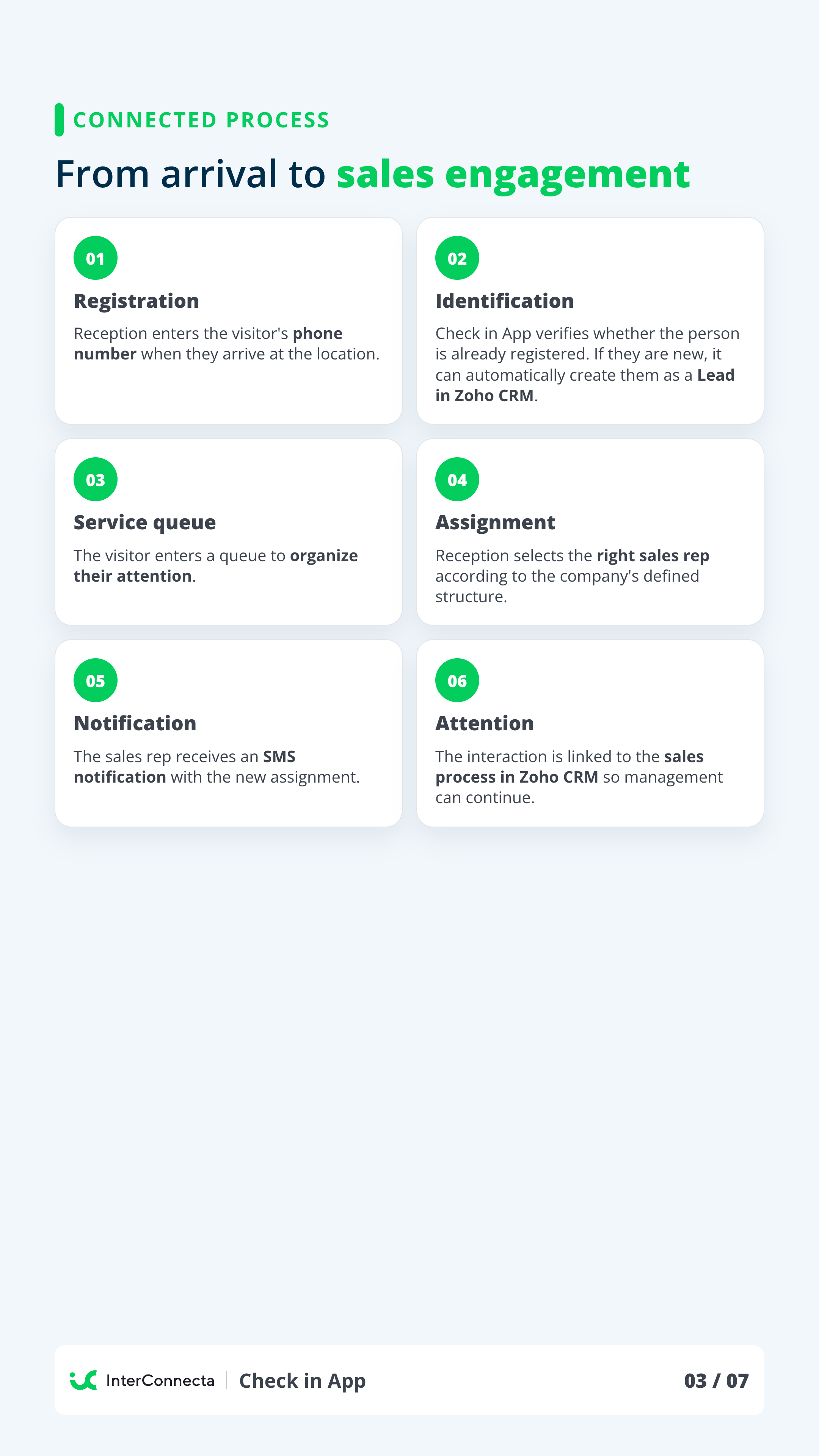
Reception enters the visitor's phone number when they arrive at the location.
Check in App verifies whether the person is already registered. If they are new, it can automatically create them as a Lead in Zoho CRM.
The visitor enters a queue to organize their attention.
Reception selects the right sales rep according to the company's defined structure.
The sales rep receives an SMS notification with the new assignment.
The interaction is linked to the sales process in Zoho CRM so management can continue.

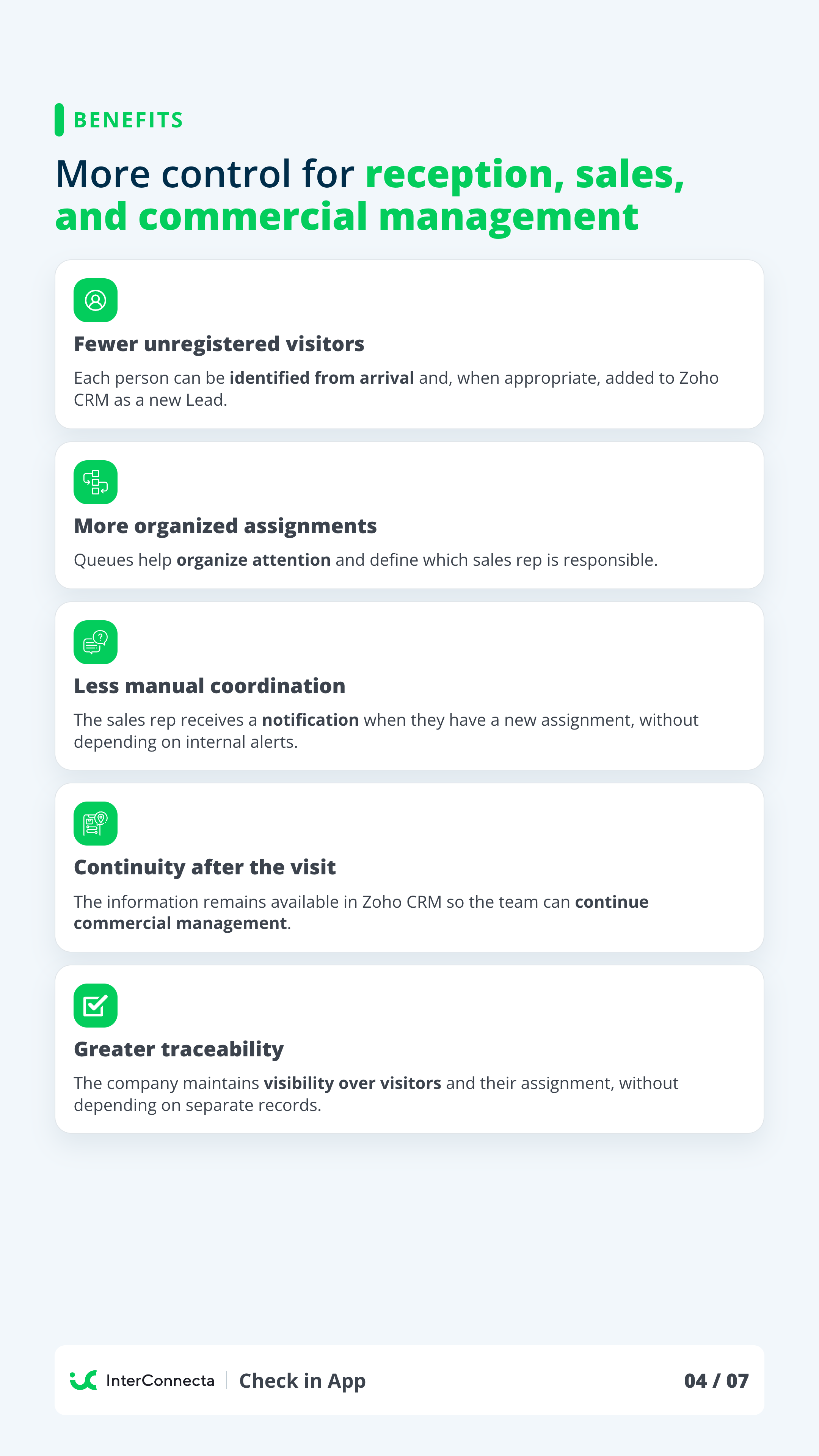
Each person can be identified from arrival and, when appropriate, added to Zoho CRM as a new Lead.
Queues help organize attention and define which sales rep is responsible.

The sales rep receives a notification when they have a new assignment, without depending on internal alerts.
The information remains available in Zoho CRM so the team can continue commercial management.

The company maintains visibility over visitors and their assignment, without depending on separate records.
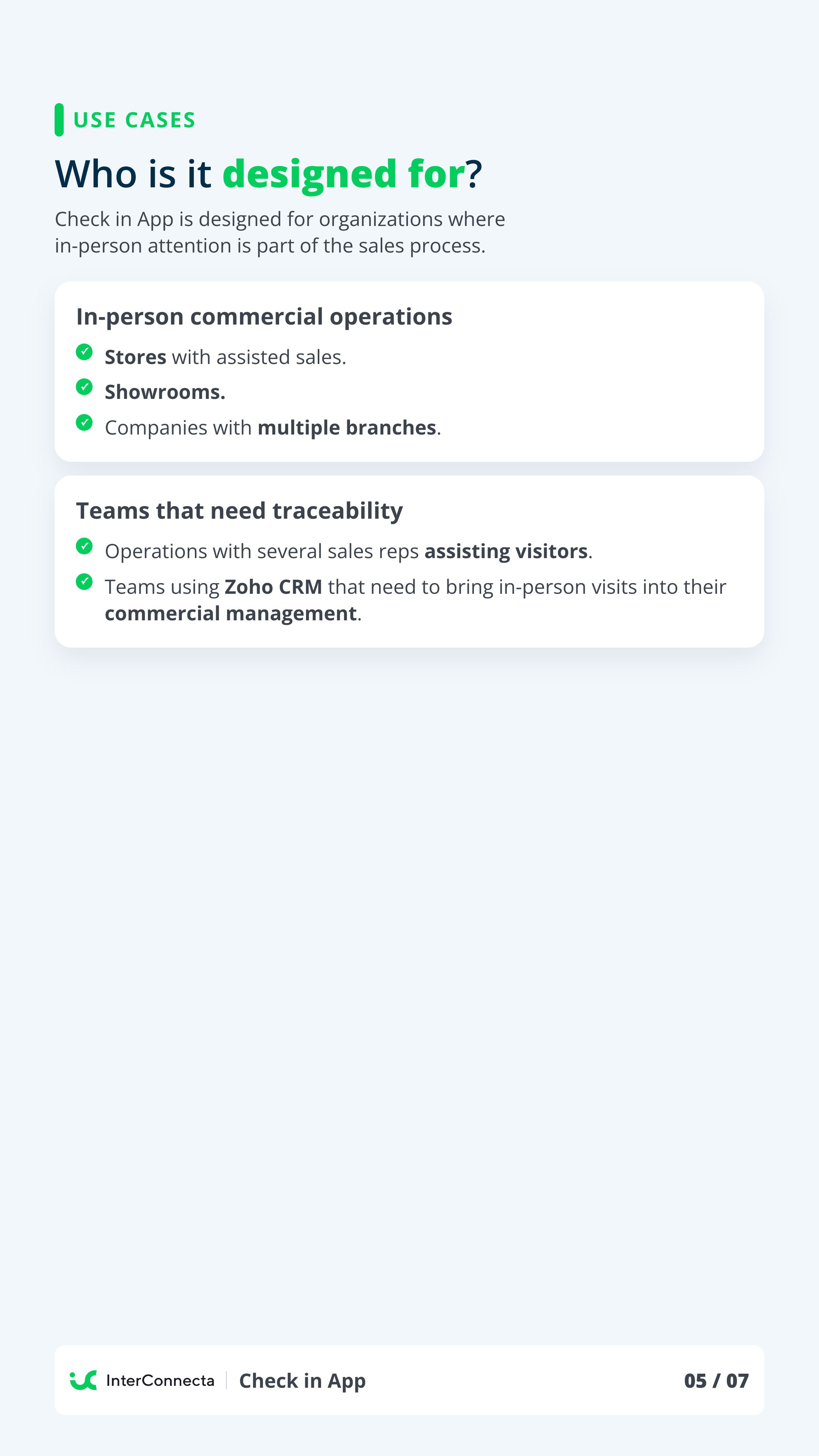
Check in App is designed for organizations where in-person attention is part of the sales process.
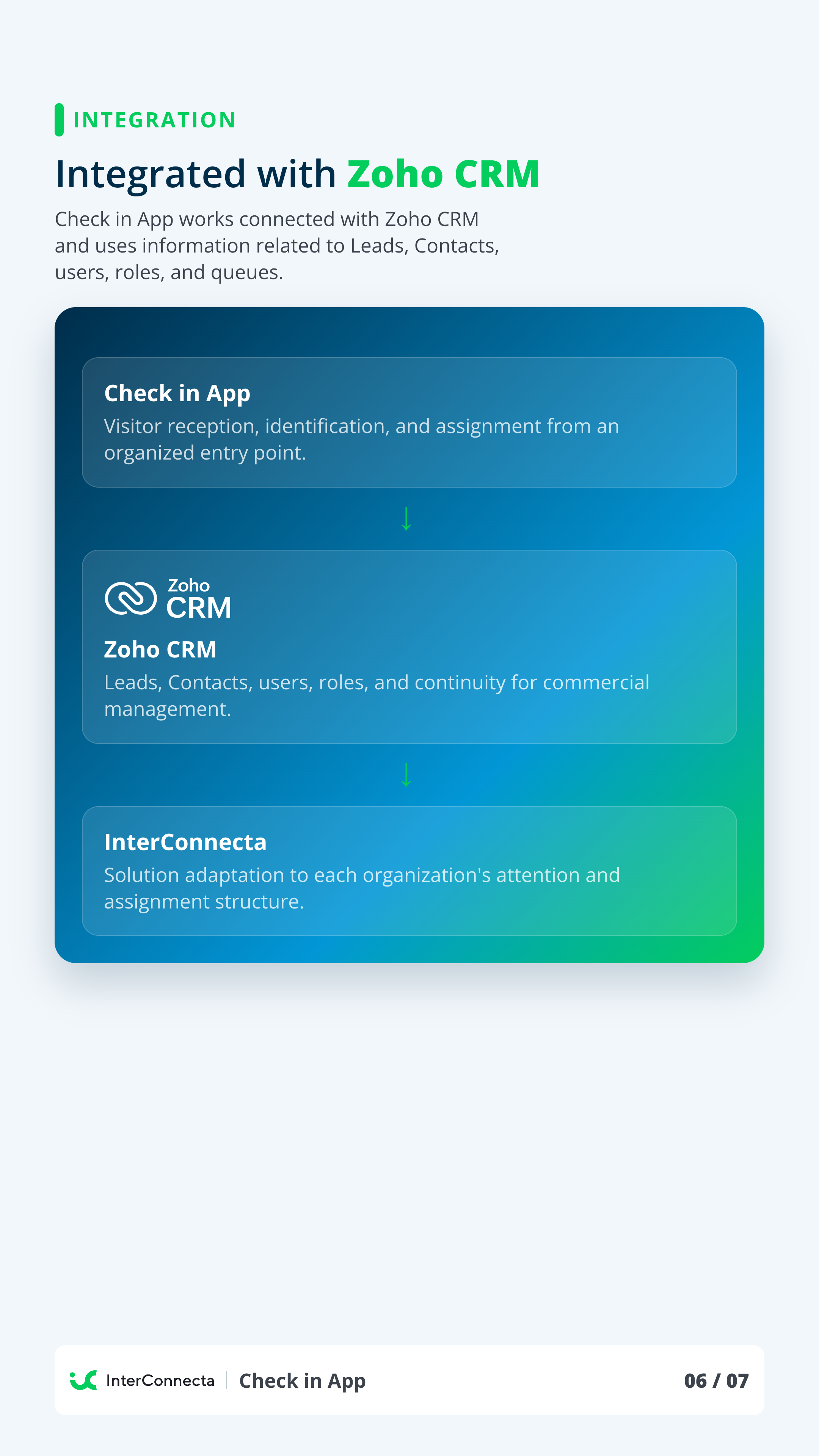
Check in App works connected with Zoho CRM and uses information related to Leads, Contacts, users, roles, and queues.
 Zoho CRMLeads, Contacts, users, roles, and continuity for commercial management.
Talk to an InterConnecta specialist.
Book a consultation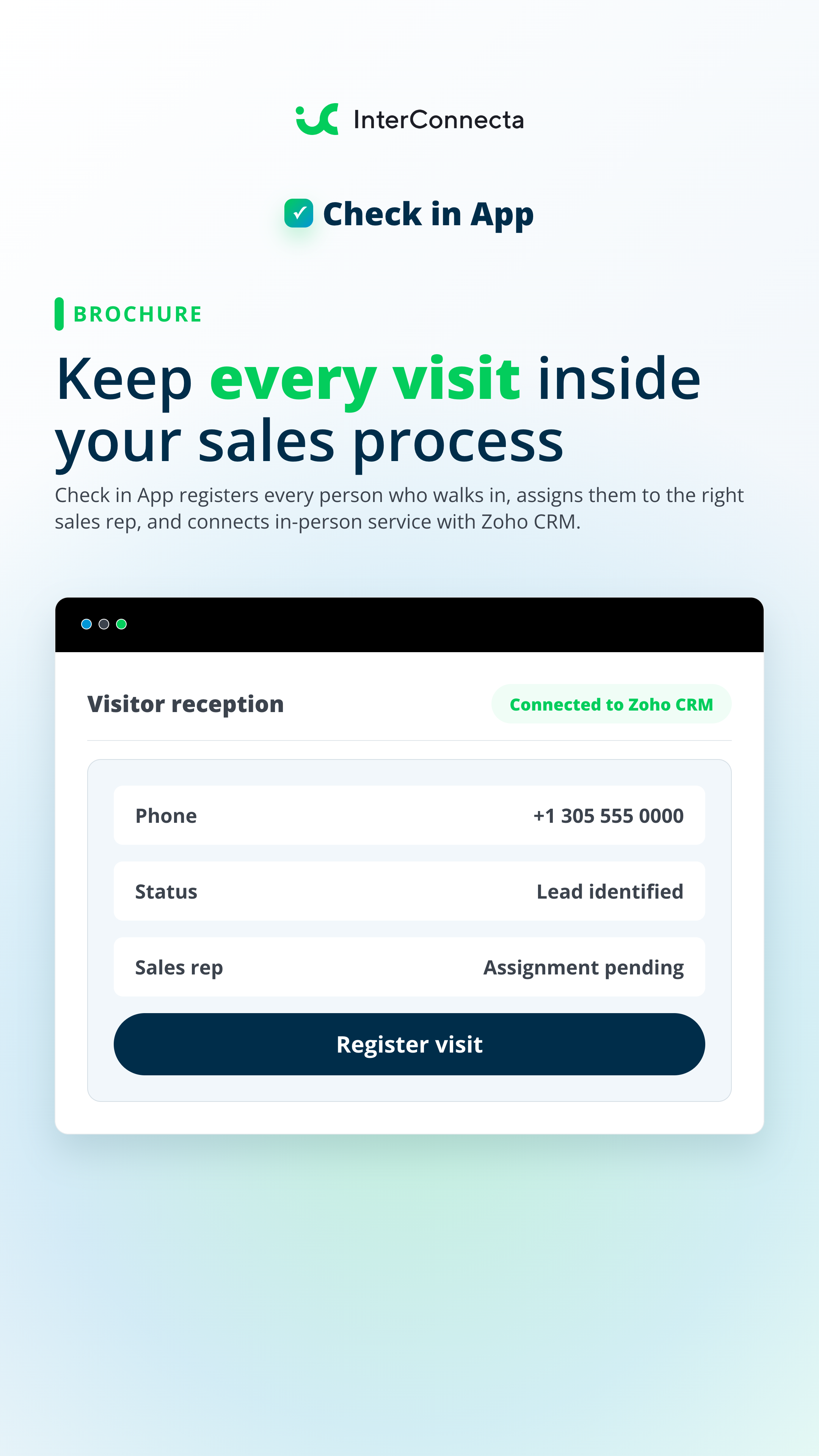
Check in App registers every person who walks in, assigns them to the right sales rep, and connects in-person service with Zoho CRM.
In stores, showrooms, and branches, part of the sales process begins when someone walks through the door.
But when reception and sales are not working from a connected process, difficult questions arise:
When this information depends on manual records or coordination between people, the risk of losing data and leaving opportunities without follow-up increases.
Reception enters the visitor's phone number when they arrive at the location.
Check in App verifies whether the person is already registered. If they are new, it can automatically create them as a Lead in Zoho CRM.
The visitor enters a queue to organize their attention.
Reception selects the right sales rep according to the company's defined structure.
The sales rep receives an SMS notification with the new assignment.
The interaction is linked to the sales process in Zoho CRM so management can continue.
Check in AppEach person can be identified from arrival and, when appropriate, added to Zoho CRM as a new Lead.
Queues help organize attention and define which sales rep is responsible.
The sales rep receives a notification when they have a new assignment, without depending on internal alerts.
The information remains available in Zoho CRM so the team can continue commercial management.
The company maintains visibility over visitors and their assignment, without depending on separate records.
Check in AppCheck in App is designed for organizations where in-person attention is part of the sales process.
Check in AppCheck in App works connected with Zoho CRM and uses information related to Leads, Contacts, users, roles, and queues.
Zoho CRMLeads, Contacts, users, roles, and continuity for commercial management.Check in AppTalk to an InterConnecta specialist.
Book a consultation